AI Photo Animator Make any photo really move

Upload one photo and choose how much it moves. The AI photo animator turns it into a Live Photo, a Live Wallpaper and an MP4. Each animation uses credits, packs start at $4.99, and a failed one is refunded.

Deleted from our servers within 24 hours

Or try one:
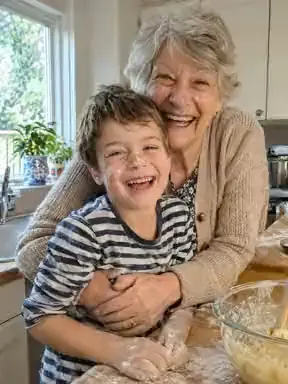
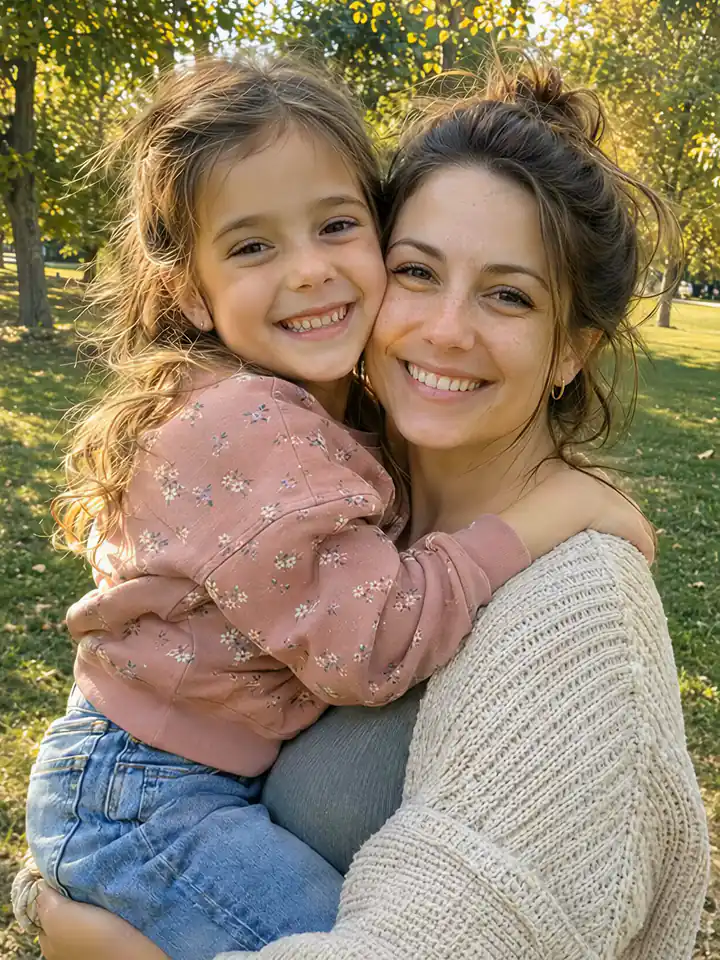
The photo before it moves: a mother and her young daughter hugging cheek to cheek in a sunny park
Your photo
A mother and her young daughter hugging cheek to cheek and smiling in a sunny park, animated from one photo
  • Real iPhone Live Photo
  • Lock Screen ready
  • No app to install

See the difference

One still photo in. A real Live Photo out.

Pick a photo of someone you love, a pet or a place you remember. The AI photo animator makes it move, and you save it to Photos as a Live Photo that plays when you press and hold.

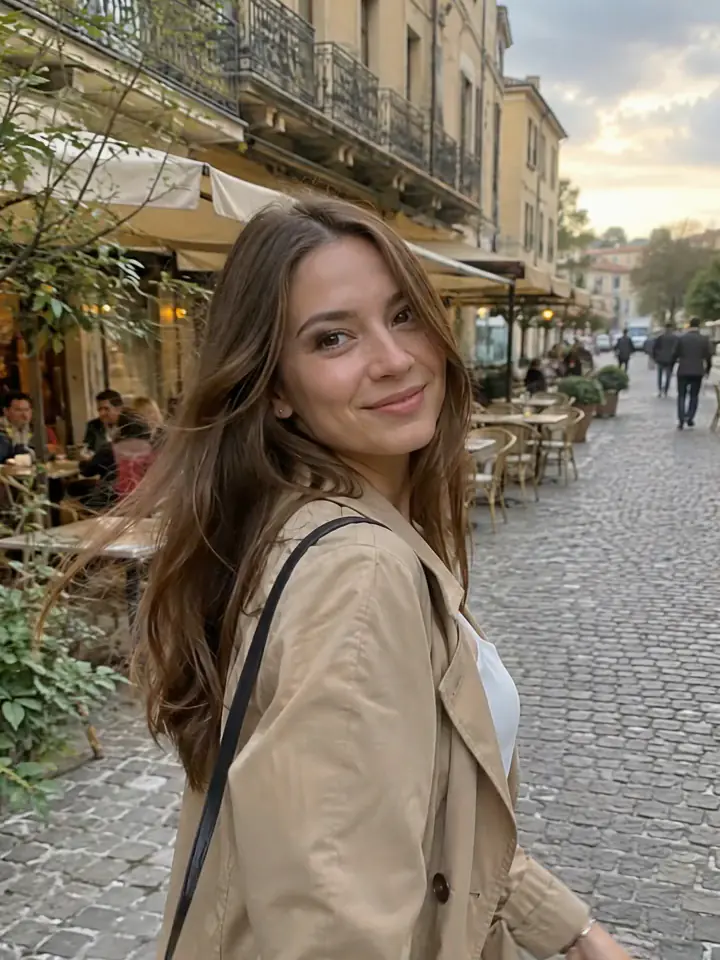
A young woman in a beige trench coat looks back and smiles on a cobbled café street, animated from one photo with AI

Street1 / 6

Why MakeLivePhoto

A moving photo you can really use

  • Motion that looks real

    The AI photo animator moves what is in the picture, not just the camera, so it looks like a moment you filmed.

  • A real iPhone Live Photo

    Saved to Photos, it plays when you press and hold. Not a GIF, not a video file.

  • Lock Screen ready

    Set the same result as a Live Wallpaper. It moves each time you wake your iPhone.

  • No app to install

    Works in Safari on iPhone and in any desktop browser. Upload, animate, save.

How it works

How to animate a photo in 3 steps

  1. Step 1

    Upload a photo

    A pet, a family photo, an old print or a landscape. JPG, PNG, WebP and iPhone photos all work.

  2. Step 2

    Choose how it moves

    Pick Natural for gentle motion or Lively for more. No prompt to write. It takes 1 to 3 minutes.

  3. Step 3

    Save it your way

    Save it as a Live Photo, set it as a Live Wallpaper on your Lock Screen, or download the MP4.

Why it is easier

One page instead of three apps

Turning a still photo into a moving picture on your Lock Screen usually means an AI video app, a converter and a wallpaper app. With the AI photo animator it is one upload and one tap.

AI video app + converter + wallpaper appMakeLivePhoto
Apps to installTwo or threeNone, it runs in your browser
Writing a promptUsually neededPick Natural or Lively instead
Live Photo and Live WallpaperExtra steps in other appsMade from the same result
If generation failsCredits often lostCredits come back automatically

After it moves

Save your moving photo on iPhone or Android

  1. Tap Save Live Photo, then Make my Live Photo and download the result.
  2. Open it in Photos and press and hold: the photo moves.
  3. For the Lock Screen, tap Save Live Wallpaper, then Share > Use as Wallpaper.

Live Wallpapers need iOS 17 or later and do not move in Low Power Mode.

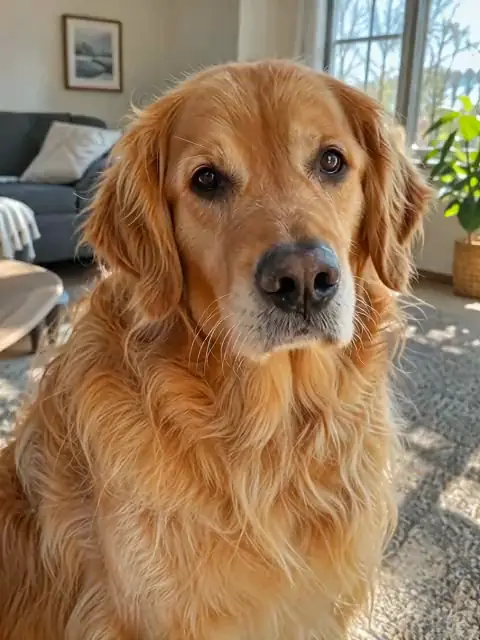
A golden retriever sitting in a living room and looking at the camera, animated from one photo
Press and hold to play

Better results

Tips to animate a photo well with the AI photo animator

The AI photo animator can animate photos of almost anything, but some photos give it more to work with. If a result looks stiff or odd, check these before you try again.

  • Start with good light

    Daylight photos and evenly lit indoor shots give the AI clear shapes and colours to animate. Very dark photos, strong backlight and heavy filters make the motion look patchy.

  • Show faces clearly

    Faces turned towards the camera that fill a good part of the frame come out most natural. A tiny face in a wide shot, sunglasses or a hand over the face give the AI less to go on.

  • Upload the original file

    Use the photo from your camera roll, not a screenshot or a copy saved from a chat app. The AI photo animator needs at least 512 pixels on the short side, and a sharper photo gives a sharper moving picture, especially in HD.

  • Keep group photos small

    One to three people animate more naturally than a crowd. In a big group photo, crop to the people you care about most before you upload it.

  • Natural or Lively?

    In the AI photo animator, Natural keeps the motion gentle and close to the original, which suits portraits and old photos. Lively moves more, which shows up better on a Lock Screen and in posts. Not sure? Start with Natural.

  • Tidy up old photos first

    For a scanned print, crop away the border and straighten it before you upload. Deep scratches and folds can look strange in a photo animation, so a quick repair in any photo editor helps.

Before you start

  • A clear photo for the AI photo animator, at least 512 pixels on its short side.
  • Only photos you have the right to use: no public figures and nothing explicit.
  • For the Lock Screen: an iPhone with iOS 17 or later, Low Power Mode off.

What it costs

Standard, with sound
70 credits
HD (1080p), with sound
110 credits
Prefer it silent
60 credits, HD 100
Credit packs
From $4.99, no subscription
Live Wallpaper of the result
Included
Live Wallpapers from your own photos and videos
Free for VIPs, unlimited for 90 days

With sound, an animation costs 70 credits, or 110 in HD; without sound, 60, or 100 in HD. If an animation fails, its credits come back automatically.

Know before you start

What the AI photo animator gives you, and what it does not

What one photo turns into, the limits and the specs, in one place.

What you get

  • A 5-second AI video of your photo, in 720p or 1080p HD
  • The same result as an iPhone Live Photo that plays in Photos when you press and hold
  • A Live Wallpaper of the result for the iPhone Lock Screen, included
  • An MP4 to post anywhere, and a Motion Photo for Android
  • Sound made from what is in your photo, or a silent version for fewer credits

What it does not do

  • It is not free: each animation uses credits, and a failed one is refunded
  • No prompt to write; you choose what is in the photo and how much it moves
  • No photos of public figures, nudity or violence
  • Not a GIF and not a long video: every result is 5 seconds
  • No sound on the Lock Screen, which iOS never plays

Specs

Photo formats
JPG, PNG, WebP, iPhone photos
Photo size
Up to 10 MB, at least 512 pixels on the short side
Video length
5 seconds
Quality
Standard 720p, HD 1080p
Time
Usually 1 to 3 minutes
Downloads
Live Photo, Live Wallpaper, MP4, Android Motion Photo
Payment
Credits per animation, refunded if it fails
Sign-in
Needed, so your credits and results stay in your account
Your photo
Deleted within 24 hours
Your result
Kept 30 days; delete it any time

Is the AI photo animator free? Answers to common questions

Is the AI photo animator free?

No. Each animation uses credits: 70 for Standard and 110 for HD, with sound, or 60 and 100 if you want it silent. Packs start at $4.99. If an animation fails, the credits come back automatically. Turning photos into Live Photos with zoom and pan effects stays free on our home page.

Does the animated photo have sound?

Yes. The AI makes ambient sound from what is in your photo, so your Live Photo plays as if the phone had recorded the moment. It never adds music or voices. Old photos start silent, and you can turn sound off for any photo; a silent animation costs 60 credits (HD 100).

How long does the AI photo animator take?

Usually 1 to 3 minutes. You can leave the page; the result waits in My purchases.

What happens if the AI photo animator fails?

You get every credit back automatically, and the page tells you why: for example, the photo was not allowed, or it took too long.

Is my photo saved, and for how long?

AI animation runs on our servers, unlike our other tools. Your photo is deleted within 24 hours. The finished video is kept for 30 days so you can download it again, and you can delete it at any time.

Can I animate a photo of a celebrity?

No. Photos of public figures, explicit photos and photos you have no right to use are not accepted, and a refused photo uses no credits.

Why was my photo blocked?

Nudity, violence and public figures are not allowed, so photos like these are refused. Family photos with children are fine.

Does it work on Android?

Yes. Save the result as a Motion Photo, which plays in Google Photos and most Android galleries, or download the MP4.

How do I make a picture move without an app?

Open the AI photo animator in Safari or Chrome on your phone or computer, upload the photo and pick Natural or Lively. There is nothing to install and no prompt to write, and the moving photo is ready in a few minutes.

Can I set the moving photo as my Lock Screen?

Yes. Besides the Live Photo for your album, you can make a Live Wallpaper from the same result and set it with Share > Use as Wallpaper. The Lock Screen plays it without sound, even when the Live Photo has sound; iOS never plays sound there.

Can I animate an old photo with the AI photo animator?

Yes. Photograph or scan the print straight on, crop the border and upload it. Old photos start silent, and Natural usually looks best for them.

Can I use the result commercially?

You can use it wherever you have the right to use the original photo, including your own social posts.

How do I turn a photo into a video with AI?

Upload the photo to the AI photo animator, choose what is in it (People, Pet, Old photo, Scenery or Auto) and how much it moves (Natural or Lively), then tap Animate. In 1 to 3 minutes you get a 5-second video, saved as an MP4, a Live Photo and a Live Wallpaper.

Do I need to write a prompt?

No. You only choose what is in the photo and Natural or Lively, and the AI photo animator works out the motion itself. It also means you cannot ask for one particular movement.

Can I make a photo of my dog or cat move?

Yes. Choose Pet as what is in the photo. A sharp photo where your pet fills a good part of the frame works best; Natural keeps it calm and Lively moves more.

Ready to animate a photo?

Give the AI photo animator one photo, choose how it moves and get a Live Photo, a Live Wallpaper and an MP4 in a few minutes.

Choose a photo

Updated By the MakeLivePhoto team